OmniChess
A downloadable game for Windows, macOS, and Linux
♟ OmniChess
A free, open-source chess application built for players who just want to sit down and play. No account required. No ads. No data collection. Just chess.
Play instantly in your browser — no download needed: 🔗 https://coder787-source.github.io/OmniChess/
♟ Features
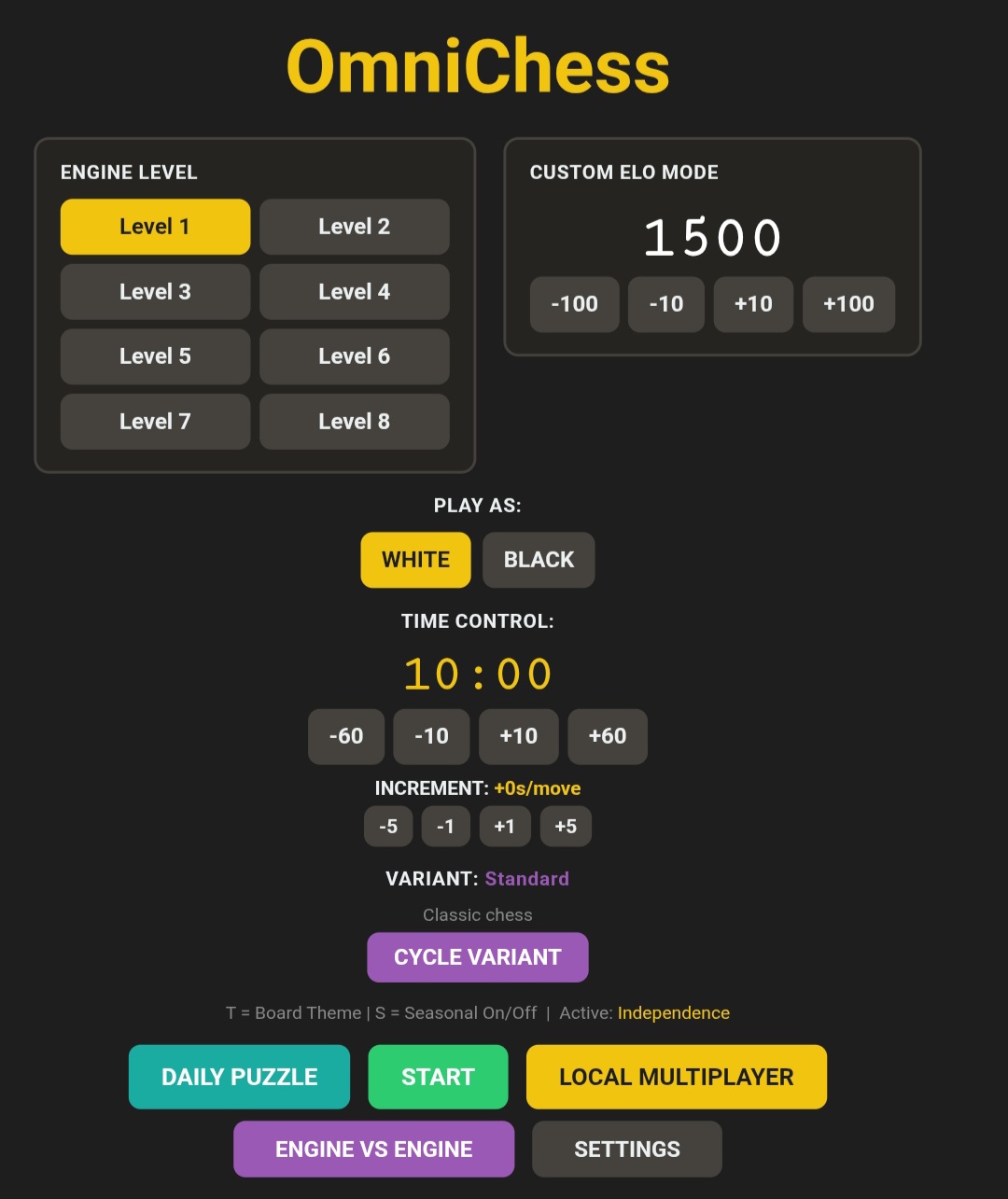
- Stockfish 18 engine with 8 difficulty levels and custom ELO mode (100–3190)
- 7 chess variants — Chess960, King of the Hill, Three-Check, Atomic, Antichess, Blindfold, and Crazyhouse
- Lichess puzzle mode with adaptive difficulty — gets harder when you're on a streak, easier when you're stuck
- Opening name display — identifies your opening in real time across 60+ openings
- Local multiplayer — play against a friend on the same machine
- Engine vs Engine — watch Stockfish play against itself
- Increment time controls across all modes and variants
- PGN export and analysis — download games and resume from any position (desktop)
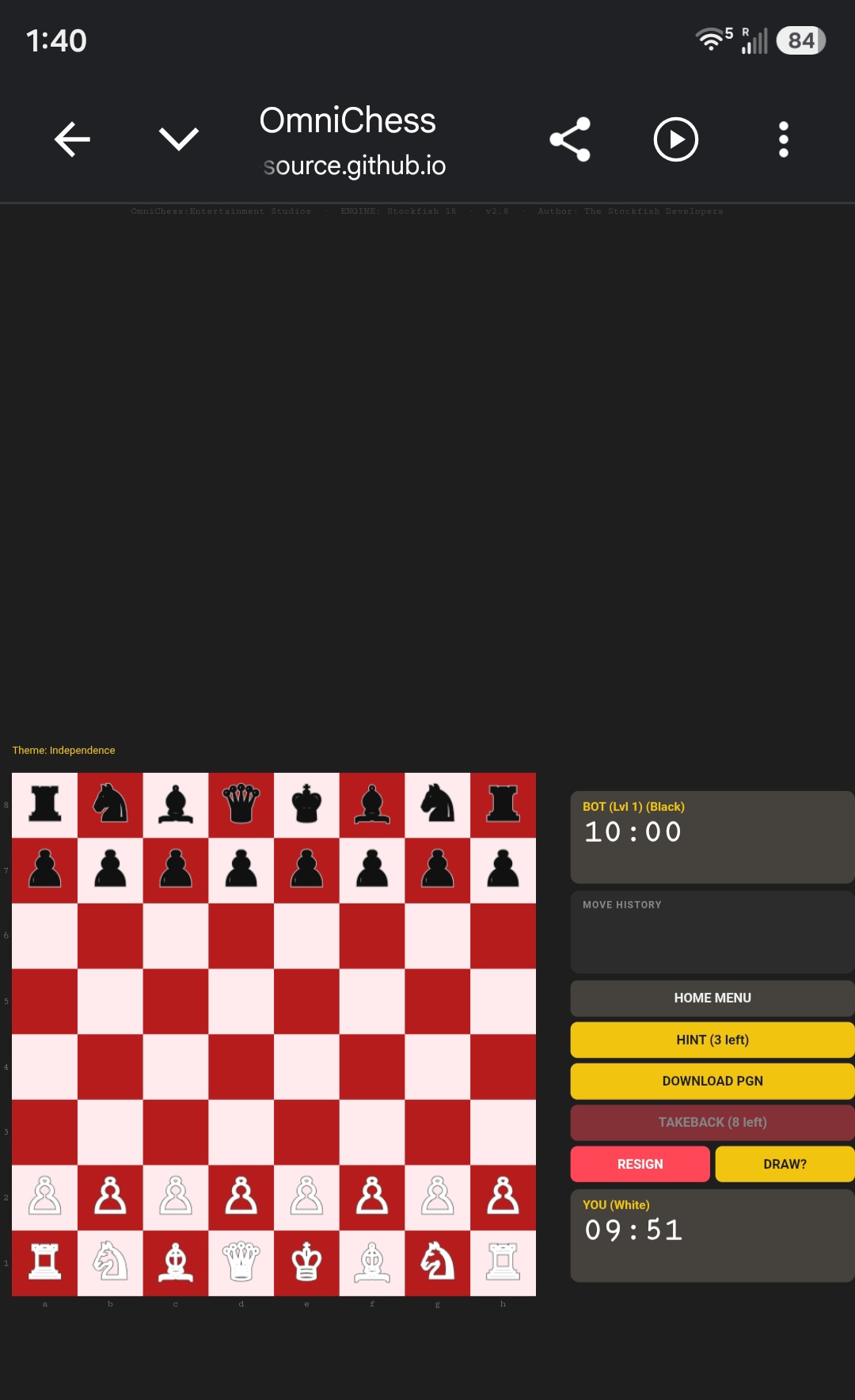
- Eval bar, move sounds, hints, takebacks, board coordinates
- Seasonal and cycling board themes
- Anti-cheat fullscreen lockdown (desktop)
- Fully offline once installed (puzzles and web version require internet)
💻 Platform Support
- Windows 10/11 (x86-64 & ARM64)
- Linux x86-64 & ARM / Raspberry Pi
- macOS Apple Silicon & Intel
- Any device with a browser — Chromebooks, tablets, phones, school computers
🔒 Privacy
OmniChess collects no data, requires no account, and works completely offline on desktop. The web version requires an internet connection but sends no personal information anywhere.
📦 Source Code & Downloads https://github.com/Coder787-source/OmniChess
Download
Install instructions
📥 Installation Instructions
🌐 Web Version (No Install) Just open your browser and play: 🔗 https://coder787-source.github.io/OmniChess/ Works on any device. No download, no setup.
🪟 Windows 10/11 (x86-64 & ARM64)
- Install Python from python.org — check "Add Python to PATH" during setup
- Download the matching Stockfish binary from stockfishchess.org
- Place Stockfish in the same folder as the OmniChess script
- Rename the Stockfish binary to match the
STOCKFISH_PATHvariable inside the script - Open a terminal and run:
pip install pygame python-chess python OmniChess-Windows10-11-x86-64.py
🐧 Linux x86-64
- Install dependencies:
sudo apt install fonts-symbola pip3 install pygame python-chess --break-system-packages
- Download the Linux x86-64 Stockfish binary from stockfishchess.org
- Rename it to match the
STOCKFISH_PATHvariable inside the script - Run:
python3 OmniChess-Linux-x86_64.py
🐧 Linux ARM / Raspberry Pi Easiest method — Snap Store:
snap install omnichess-coder787
Or use the auto installer:
wget -qO- https://raw.githubusercontent.com/Coder787-source/OmniChess/main/install.sh | bash
⏱ Stockfish compilation may take 3–30 minutes depending on your Pi model.
🍎 macOS (Apple Silicon & Intel)
- Install Python and dependencies:
pip3 install pygame python-chess
- Download the matching Stockfish binary from stockfishchess.org
- Remove the quarantine flag:
xattr -d com.apple.quarantine stockfish-macos-* chmod +x stockfish-macos-*
- If macOS still blocks it, go to System Settings → Privacy & Security → Allow Anyway
- Run:
python3 OmniChess-MacOS-ARM.py
(replace with Intel script if on Intel Mac)
❓ Need Help? Open an issue on GitHub: https://github.com/Coder787-source/OmniChess
Leave a comment
Log in with itch.io to leave a comment.